

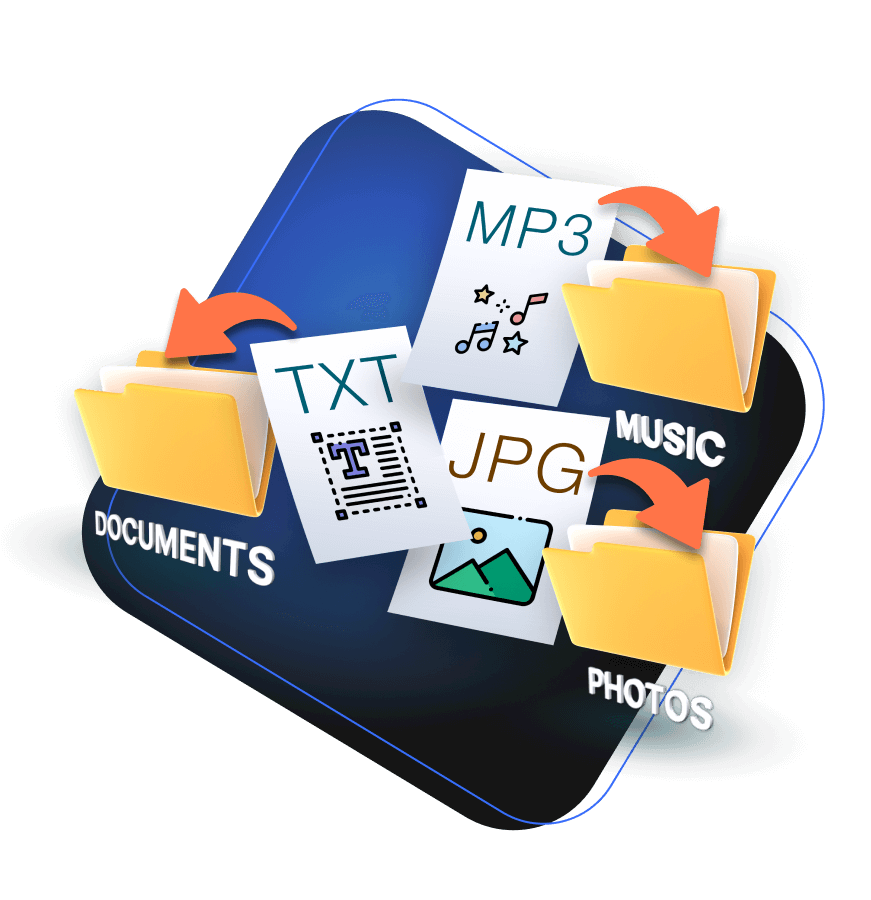

Frustrated by a cluttered desktop? Your precious pictures, important documents and other files can no longer be found?
Unfortunately, the result is pure chaos on the PC: a cluttered desktop that completely covers your beautiful wallpaper and the loss of precious files because they are forgotten or can no longer be found.
With File Organizer, your files are automatically sorted away and always end up in the right folder. This saves time, creates space and ensures that your desktop is always tidy.

⭐ What Is Abelssoft File Organizer?
Abelssoft File Organizer is a powerful Windows tool designed to move, sort, and clean files automatically.
Instead of wasting time dragging files into the right folder, you simply define a set of rules (for example, “all .jpg images go to the Pictures folder”), and the software handles the rest.
It works in real time, so every new file in your monitored folders is instantly placed where it belongs.
🔧 Key Features
Automatic File Sorting – Create custom rules based on file type, name, date, or keywords.
Real-Time Monitoring – Watches specific folders (like Desktop or Downloads) and organizes new files immediately.
Floating Icon – Drag and drop any file onto the floating icon to instantly apply your rules.
External Drive Support – Works with USB drives and external storage.
History & Logs – Tracks every action so you always know where your files went.
Safe Preview – Review changes before applying them to avoid unwanted moves.
✅ File Organizer sorts your files fully automatically and is very easy to use
There are no limits to the rules you can set. For example, if you want File Organizer to always move files with the extension doc to the Documents folder, this is just as possible as automatically moving audio files to the Music folder. You are in control and can use File Organizer as individually as is best for you.
The program sorts all your files, such as the most precious moments captured on photo or video, your important bills or manuals, music files and much more, into the designated folders. Once set, this happens completely automatically in seconds with a click of the mouse.

💡 Pros & Cons
Pros
Easy to set up with a user-friendly interface.
Unlimited custom rules for full flexibility.
Works quietly in the background.
Saves hours of manual sorting.
Cons
Windows-only (no macOS version).
Some advanced features require a paid license.
Misconfigured rules can move files to the wrong folder (double-check your setup at first).
The funnel function: Handy sorting by drag & drop for a tidy desktop
With File Organizer, you can finally free yourself from the chaos on your desktop and have the peace of mind that all your files are exactly where they belong.

💻 Who Should Use It?
💪💪Students & Professionals who download many documents.
Photographers & Designers who need to sort images fast.
Small Businesses managing invoices, PDFs, and multimedia files.
Anyone tired of cleaning their Downloads folder every week.
💬 Final Verdict
Abelssoft File Organizer is one of the easiest and most effective tools for file management on Windows.
If you’re looking for a fast, reliable way to keep your PC tidy with minimal effort, this software is worth every penny.
